AI apps for families: how to build a family app parents actually trust
Families are drowning in schedules, school emails and small decisions. AI can genuinely lighten that load — if it is designed around real household jobs, several family roles, children's privacy and clear human control. A guide for product teams.
An AI family app has a simple promise: take some of the invisible work of running a household off parents' shoulders. The opportunity is real. Families juggle school emails, club timetables, permission slips, shared bills, medical appointments and endless "who's picking up?" messages — exactly the kind of messy, language-heavy information that modern AI is good at organising. But AI apps for families also carry unusual responsibility: children's data, shared devices, separated households and decisions that matter.
This guide is for founders and product teams building family products. It covers which family jobs AI genuinely helps with, where it should step back, and how to design for multiple family members, privacy and trust from the first sketch.
The jobs families actually need help with
Before thinking about features, map the jobs. Most family products address some combination of these:
- The mental load. Remembering everything — the dentist recall, the swimming kit, the birthday present for Saturday's party. Usually concentrated on one adult, and usually invisible.
- Schedules. Several people, several calendars, constant changes, and clashes discovered too late.
- School information. Newsletters, portal messages, class group chats and emails, each with a date or action buried somewhere inside.
- Chores and routines. Who does what, and whether it got done, without turning home life into a management exercise.
- Shared documents. Passports, insurance, vaccination records, school forms — needed rarely, but urgently.
- Budgets and spending. Household costs, children's pocket money, subscriptions and shared expenses between co-parents.
- Wellbeing. Screen time, sleep, moods and the general sense of whether everyone is coping.
The best family products pick one or two of these jobs and do them exceptionally well, rather than attempting a "family operating system" on day one.
Where AI genuinely helps in family apps
AI earns its place when it turns unstructured information into something a family can act on. The strongest use cases:
- Turning emails and messages into tasks and calendar items. Forward a school newsletter and get back "Non-uniform day, Friday — £1 donation" as a proposed event and a task.
- Summarising. A week of class chat condensed into the three things that need a parent's attention.
- Natural-language capture. "Remind me to book Sam's eye test after half term" typed or spoken, and filed correctly.
- Smart reminders. Nudges timed to when they are useful — the evening before, not the moment the email arrived.
- Planning help. Suggesting a weekly meal plan, a packing list or a fair chore rota for the family to edit.
Our own Relay is an example of this category: an AI-powered family management platform that helps parents organise school information, schedules, tasks, documents and payments, turning emails, messages and everyday reminders into plans shared with the family.
Much of this is agent-style work — reading input, deciding what it means and proposing an action in another system. The engineering patterns behind AI agent development apply directly, especially around permissions and approvals.
Where AI should not decide
Some family decisions must stay firmly with people. AI can inform them; it should never make them.
- Health. AI can organise appointments, summarise information a clinician has provided or help a parent prepare questions. It must not diagnose, recommend treatment or decide whether something is urgent without directing the family to a professional.
- Safety. Location features, contact approvals and anything involving a child's safety need explicit human control and conservative defaults.
- Money. AI can categorise spending, flag unusual transactions or suggest a budget. Payments, transfers and spending limits should require an adult's approval. Checkpoint AI, from our portfolio, reflects this principle: it supports personal and family spending management with spending controls and temporary card authorisation, keeping adults in the loop.
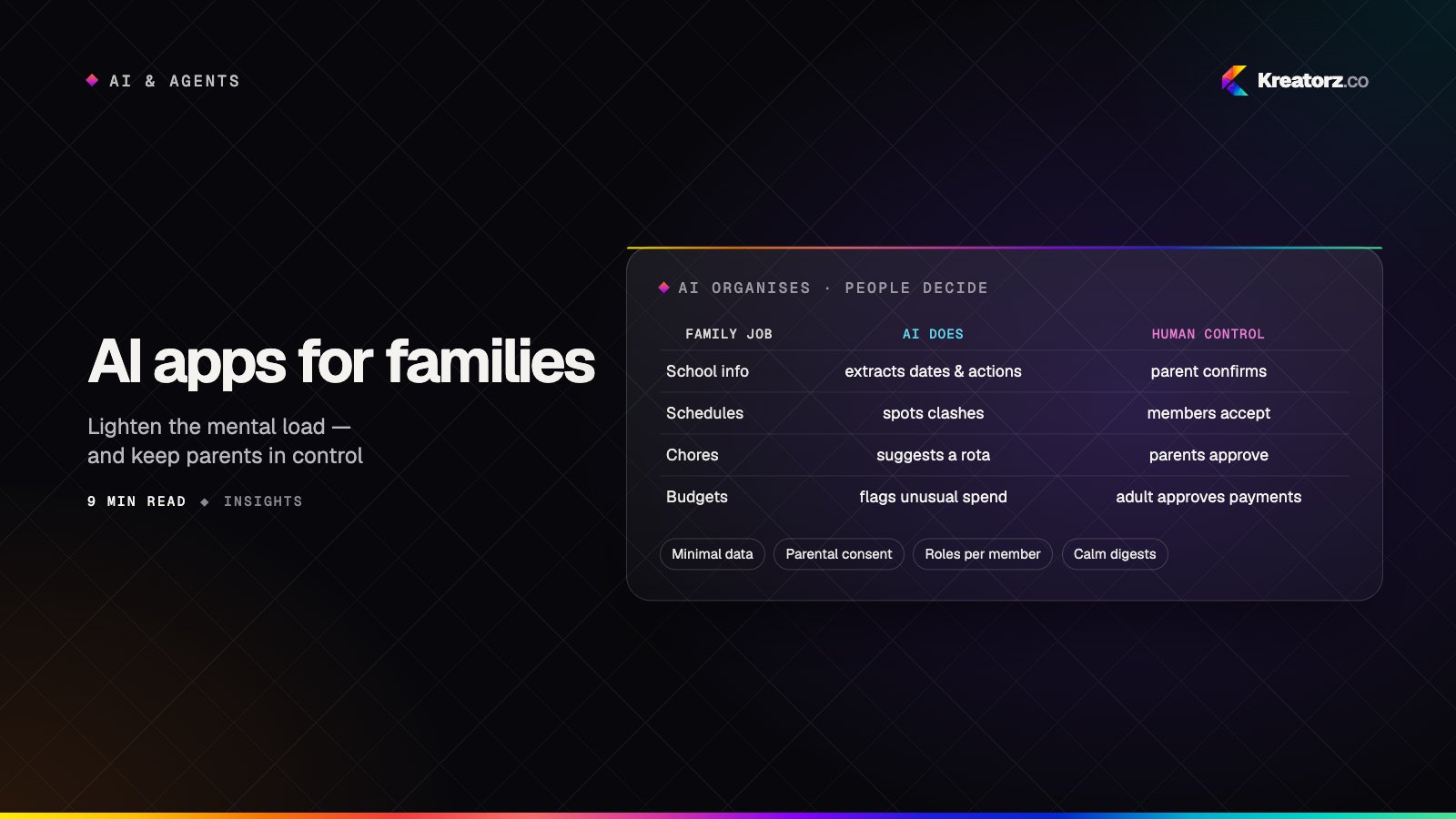
Here is a practical map of family jobs, the AI feature that helps, and the human control that should sit alongside it:
| Family job | AI feature | Human control |
|---|---|---|
| School information | Extract dates, actions and forms from emails and messages | Parent confirms before items are added to the shared calendar |
| Schedules | Detect clashes and suggest who can cover | Family members accept or decline proposed changes |
| Mental load | Natural-language capture and smart reminders | User sets reminder timing and can snooze or dismiss |
| Chores | Suggest a fair rota based on ages and availability | Parents edit and approve the rota |
| Shared documents | Recognise document types and expiry dates | Access limited by role; sharing needs explicit permission |
| Budgets | Categorise spending and flag unusual items | Payments and limits always need adult approval |
| Wellbeing | Summarise patterns the family has chosen to track | No automated judgements; prompts point to professional help where appropriate |
Designing an AI family app for multiple members and roles
A family app is a multi-user product with unusually complex relationships. Design roles explicitly:
- Parents and guardians — full control over the household space, children's profiles and permissions.
- Co-parents in separate households — shared visibility of children's schedules and documents, without exposing each household's private information. Neutral, factual AI summaries help here; anything that reads as taking sides does not.
- Carers and extended family — grandparents, nannies and childminders who need specific information (today's pick-up, allergies) for a limited time.
- Teenagers — a degree of independence and privacy that grows with age.
- Younger children — simple, safe experiences with no open-ended AI chat and no contact with people outside the family.
AI features must respect these roles. The assistant should never reveal to a carer what only parents can see, or surface one household's messages to another. Permission checks belong in your backend, not in the prompt.
Design for mixed devices and confidence levels too. One parent lives in the app; another only reads notifications; a grandparent may need large text and a single clear action. Cross-platform mobile app development with a strong shared backend makes this manageable.
Privacy and children's data
Family products routinely handle children's data, location, health details and sensitive relationship information. Treat privacy as a core feature:
- Collect the minimum. If a feature works without a child's date of birth or precise location, do not ask for it.
- Get meaningful consent. Explain in plain language what is collected, why, and whether AI processes it. Parental consent is typically required before collecting data from younger children.
- Know the regional rules. In the US, COPPA sets requirements for online services that collect personal information from children under 13. In the UK and EU, GDPR and related guidance — such as the UK's Age Appropriate Design Code — set expectations for children's data, consent and privacy-by-default. Other regions have their own rules. This is a general overview, not legal advice; take specialist legal advice for your markets.
- Control what reaches the model. Send only what a task needs, prefer providers and configurations that do not retain or train on your data, and redact identifying details where possible.
- Make deletion real. Families change — children grow up, parents separate. Export and deletion should be straightforward and complete.
Our guide to securing AI products covers threats such as prompt injection, which matter when your app reads emails and messages from outside the family.
Trust and transparency
Parents will only rely on an app that is honest about what it does. Practical trust-builders:
- Show where information came from — "from Mrs Patel's email, 3 March" — so parents can check.
- Label AI suggestions clearly and keep them as suggestions until accepted.
- Admit uncertainty. "I think this is a deadline — can you confirm?" beats a confidently wrong calendar entry.
- Make undo effortless for anything the AI added or changed.
We explore these patterns further in designing AI features people trust.
Notification design without nagging
A family app that adds to the noise has failed at its core job. Good notification design:
- Batch low-priority items into a daily or evening digest.
- Reserve real-time alerts for things that are genuinely time-sensitive.
- Send each item to the right person, not the whole family.
- Let families tune frequency and quiet hours, and respect them.
- Avoid guilt-driven wording. A reminder should feel like help, not a telling-off — especially for children.
Monetisation: family plans
Families generally expect to pay once for the household, not per person. Common models include a free tier covering the core shared calendar or list, with a paid family plan unlocking AI features, more members, document storage or co-parenting tools. AI features have running costs, so align limits with value: generous enough to feel useful, bounded enough to stay sustainable. Be careful with in-app purchases visible to children, and never use dark patterns to push upgrades.
Scoping an MVP for AI apps for families
The temptation is to build everything. Resist it. A strong MVP:
- Picks one job — for example, turning school emails into a shared family calendar.
- Supports two roles — usually two parents — before adding carers and children.
- Ships one AI feature with clear human confirmation, measured carefully.
- Builds privacy foundations from the start: roles, consent, data minimisation and deletion.
- Defines success — fewer missed school deadlines reported, weekly active households, or time saved as reported by parents.
An MVP built for learning gets real families using the product quickly and tells you which job to expand into next.
Building family products with care
AI apps for families can make daily life genuinely calmer — but only when the AI handles the organising and the people keep the decisions. If you are planning a product in this space, our family app development practice focuses on exactly these challenges, supported by broader AI app development experience.
If you are shaping an idea for a family product and want to talk through scope, roles or privacy, get in touch — we would be glad to hear what you are building.
Frequently asked questions
What is an AI family app?
An AI family app helps households organise shared life — schedules, school information, tasks, documents and budgets — using AI to turn messy inputs such as emails and messages into reminders, events and plans that family members can review and act on.
What features should an AI family organiser app have first?
Start with one painful job, such as extracting dates and actions from school communications into a shared calendar, with clear confirmation before anything is added. Add more jobs, roles and AI features once families rely on the first one.
Is it safe to use AI with children's data?
It can be, with care: collect only what is needed, obtain appropriate parental consent, avoid open-ended AI chat for younger children, choose model providers and settings that do not retain or train on your data, and follow the rules in each market you serve. Take legal advice for your specific product.
Which laws apply to family and parenting apps?
It depends on where your users are. COPPA applies to many services collecting data from children under 13 in the US, and GDPR and related guidance apply in the UK and EU. Requirements differ by region and product, so get specialist legal advice rather than relying on general guides.
How do family apps make money?
Most use a free tier plus a paid family plan covering the whole household, often unlocking AI features, extra members, storage or co-parenting tools. Pricing per household rather than per person usually matches how families think about value.
Can AI help co-parents in separate households?
Yes — shared schedules, document access and neutral summaries of children's activities can reduce friction. The key is strict separation of each household's private information and permissions enforced in the backend, not left to the AI.
Related services
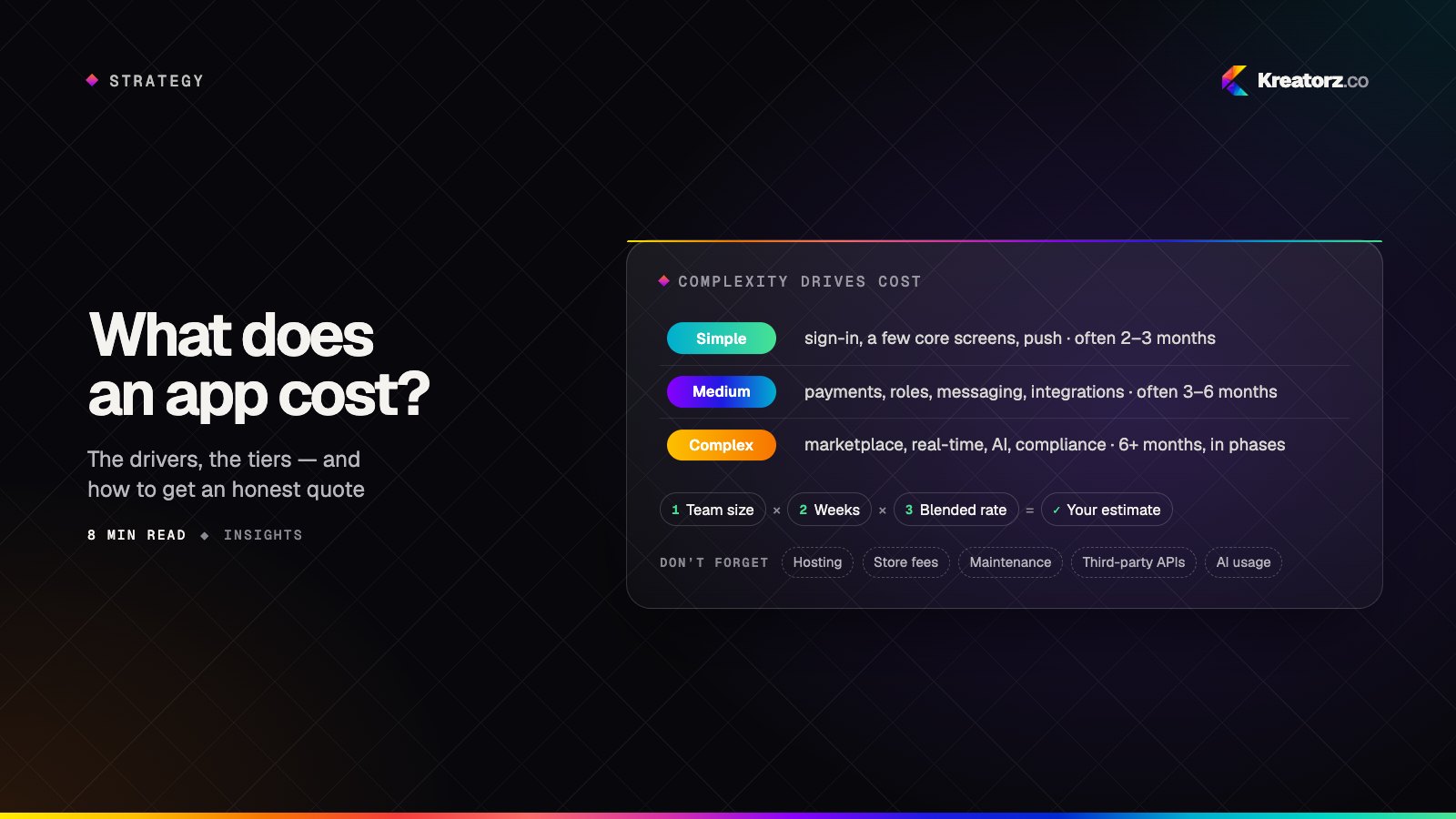
How much does it cost to build an app? A practical guide for 2026
There is no single price for an app, but there is a reliable way to reason about it. Here is what actually drives app development cost, how complexity tiers compare, how to estimate a budget yourself and how to reduce cost without cutting quality.
15 November 2026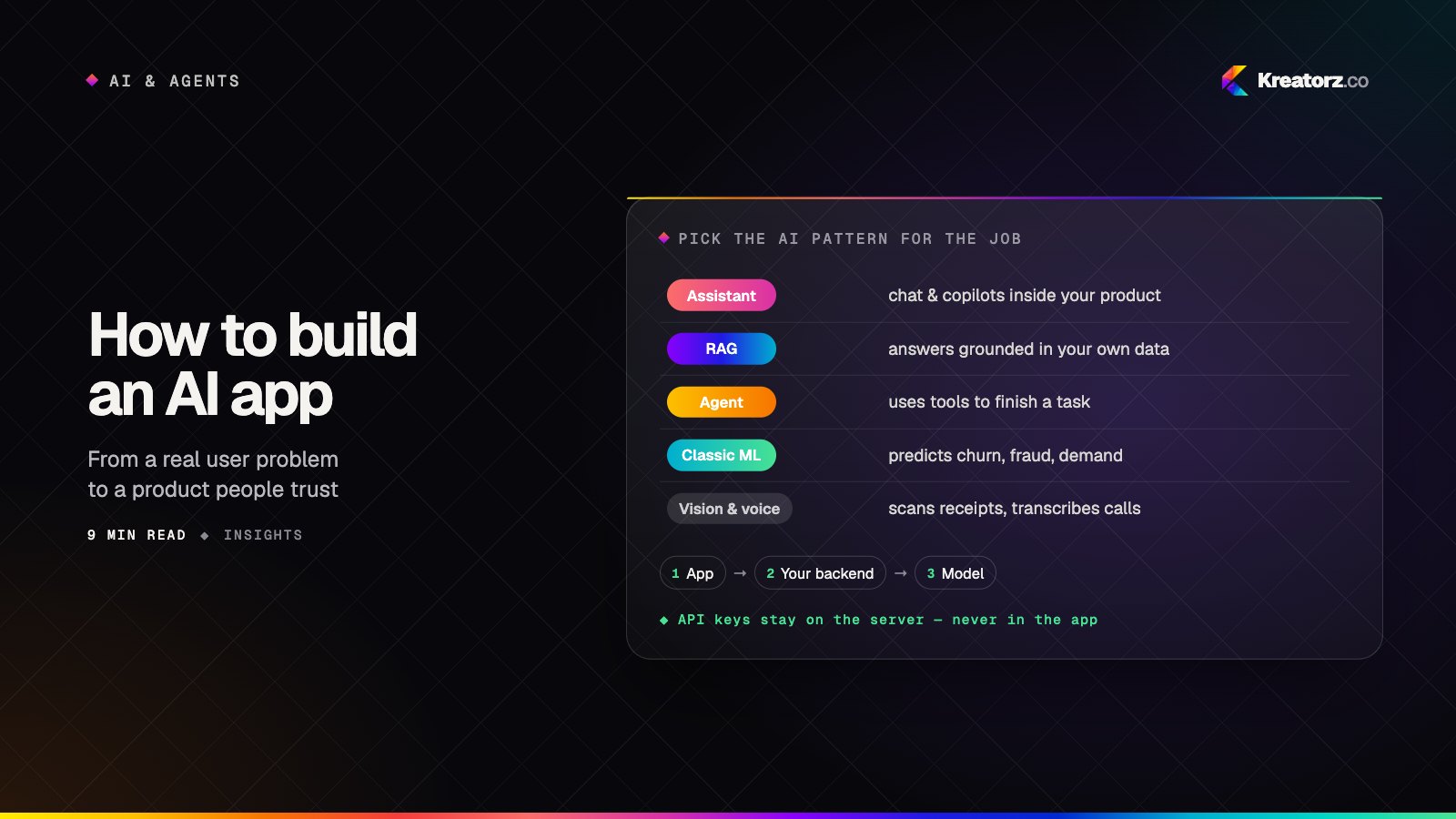
How to build an AI app: a step-by-step guide from problem to production
Building an AI app is less about picking the cleverest model and more about choosing the right pattern, preparing your data, measuring quality and designing for trust. Here is the process we follow, step by step.
15 November 2026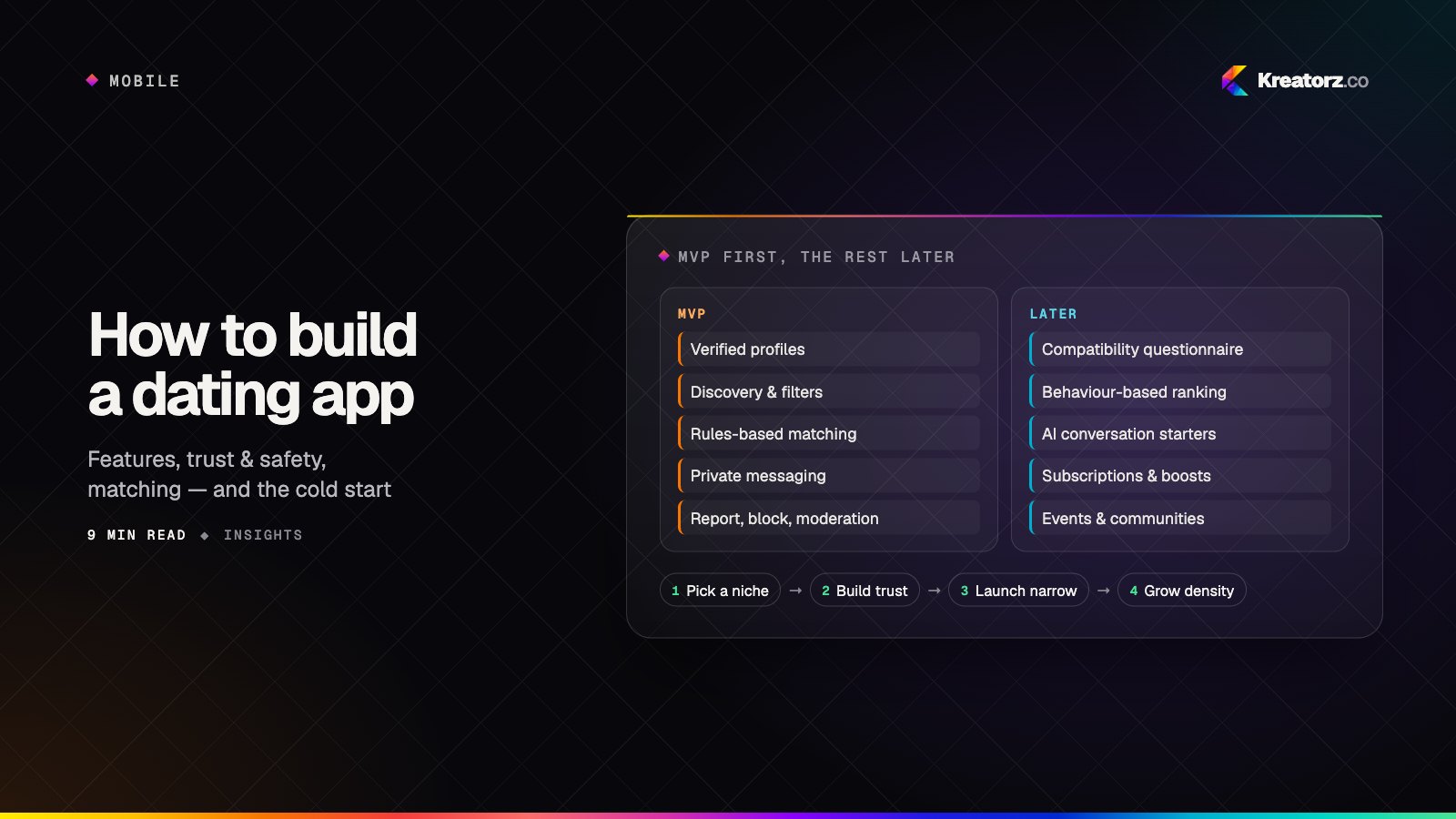
How to build a dating app: features, safety, matching and MVP scope
Building a dating app is less about copying swipe mechanics and more about trust, density and a clear audience. Here is a practical guide to features, matching, safety, privacy, monetisation and what to ship first.
15 November 2026