Android runs on an enormous range of hardware — from the latest foldables to modest phones with limited memory and patchy connectivity. Building an app that feels fast and reliable across all of them is a discipline in its own right. Kreatorz is an Android app development company that builds natively in Kotlin and Jetpack Compose, with the testing and release practices needed to support the real diversity of Android users.
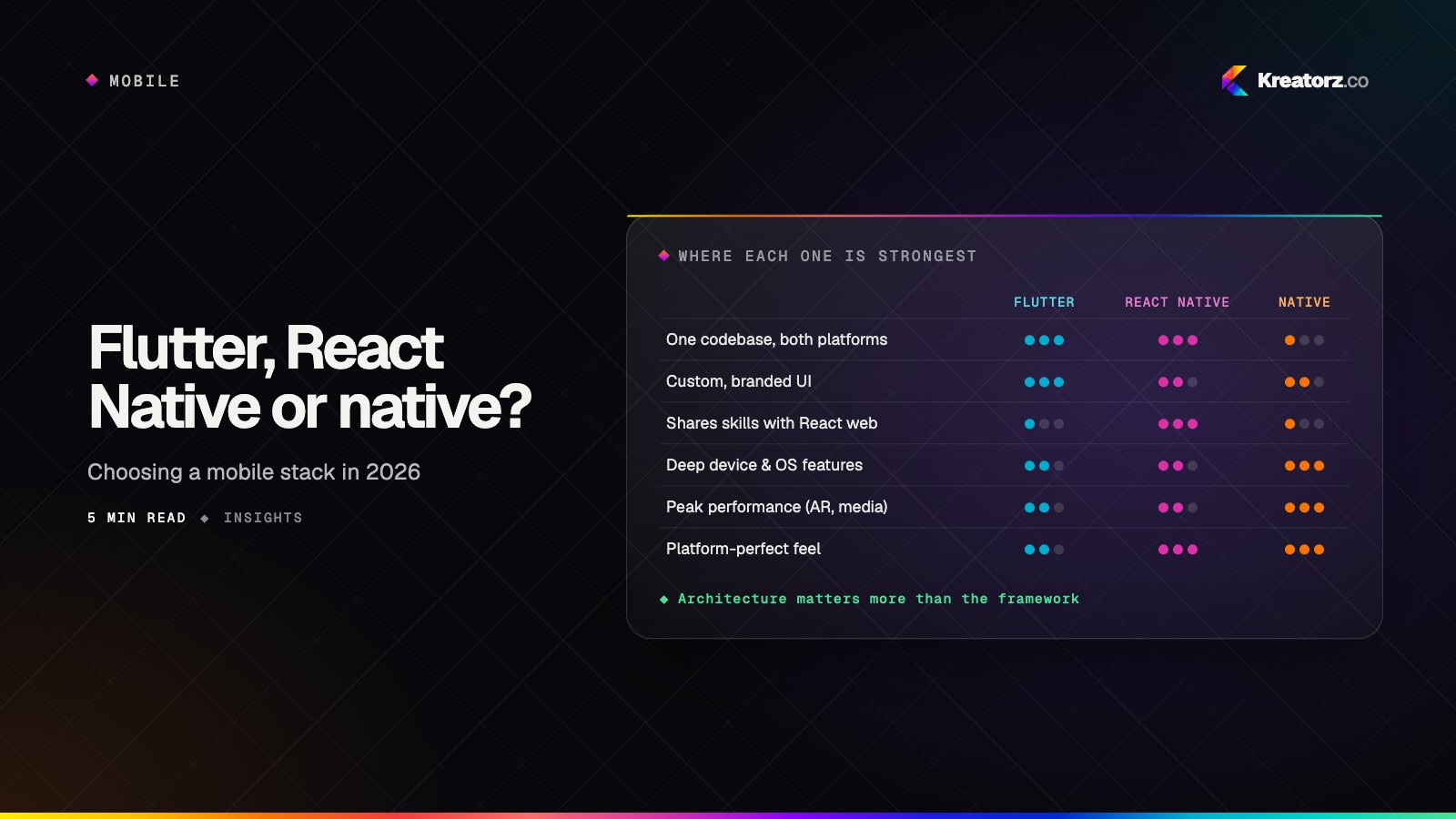
If you need iOS at the same time, a cross-platform approach such as Flutter or React Native may be more efficient. When Android is your primary market, or your product relies on deep device integration, native Kotlin gives you full access to the platform and the best possible performance.
Why choose native Android development
- Reach in Android-first markets. In many regions most of your potential users are on Android, often on mid-range or entry-level devices.
- Hardware and OS integration. Bluetooth, NFC, background services, custom launchers, kiosk modes and device management work best natively.
- Performance on constrained devices. Native code gives fine control over memory, battery and startup time.
- One language across form factors. Kotlin powers phones, tablets, Wear OS, Android TV and Android Auto experiences.
- Day-one platform features. New Android APIs, from privacy controls to predictive back gestures, are available to native apps first.
Kotlin app development with Jetpack Compose
Jetpack Compose is our standard for new Android interfaces. Its declarative model makes screens quicker to build and easier to test, and it handles theming, dark mode and dynamic colour cleanly. Beneath the interface we follow Google's recommended architecture: unidirectional data flow, ViewModels, Kotlin Coroutines and Flow for asynchronous work, Hilt for dependency injection and Room for local storage.
Modernising existing Android apps
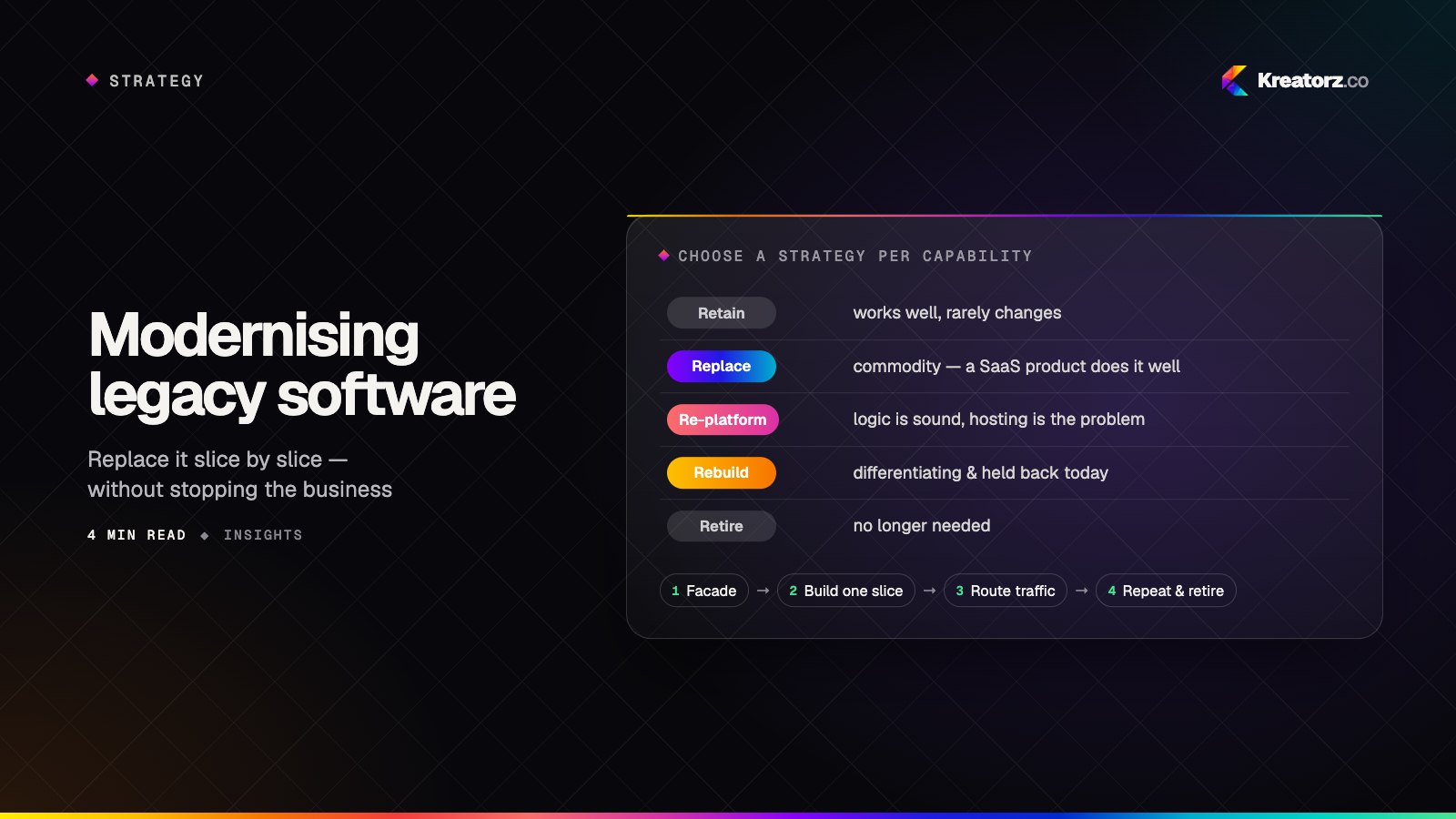
Many Android apps still run on older XML layouts, Java code or outdated libraries. We migrate them incrementally — introducing Kotlin and Compose screen by screen, upgrading dependencies and adding tests — so the app keeps shipping while it improves. Our article on modernising legacy software explains the approach.
Handling device fragmentation
Fragmentation is the defining challenge of Android development. Different manufacturers, screen sizes, OS versions and custom skins all affect how an app behaves. This is how we manage it:
| Challenge | How we handle it |
|---|---|
| Screen sizes and foldables | Adaptive layouts using window size classes, tested on phones, tablets and foldable postures |
| OS version spread | A minimum SDK chosen from your audience data, with compatibility libraries for older versions |
| Manufacturer differences | Testing on physical devices from several manufacturers, plus cloud device labs |
| Background restrictions | WorkManager and foreground services used correctly so tasks survive battery optimisations |
| Low-memory devices | Profiling, lazy loading, image optimisation and baseline profiles for faster startup |
| Unreliable networks | Offline-first data, caching and resilient sync |
Material Design that still feels like your brand
We design with Material Design 3 so the app feels familiar to Android users — navigation patterns, motion, touch targets and system back behaviour all work the way people expect. Within that framework we express your brand through colour, typography, illustration and motion, and support Material You dynamic colour where it suits the product. Accessibility is built in: TalkBack labels, sufficient contrast, scalable text and generous touch areas.
Beyond the phone: tablets, wearables and TV
Tablets and foldables
Two-pane layouts, drag and drop, keyboard and stylus support, and continuity when a foldable opens or closes.
Wear OS
Glanceable tiles, complications and quick actions for fitness, notifications and companion features, synced with the phone app.
Android TV and Google TV
Lean-back interfaces designed for remote-control navigation, ideal for streaming, fitness classes and content libraries.
Android Auto
Templated, driver-safe experiences for navigation, audio and messaging apps.
What we build for Android
- On-demand delivery apps with ordering, live order tracking, digital wallets and in-app rider messaging, like YaFi for food, grocery and pharmacy delivery.
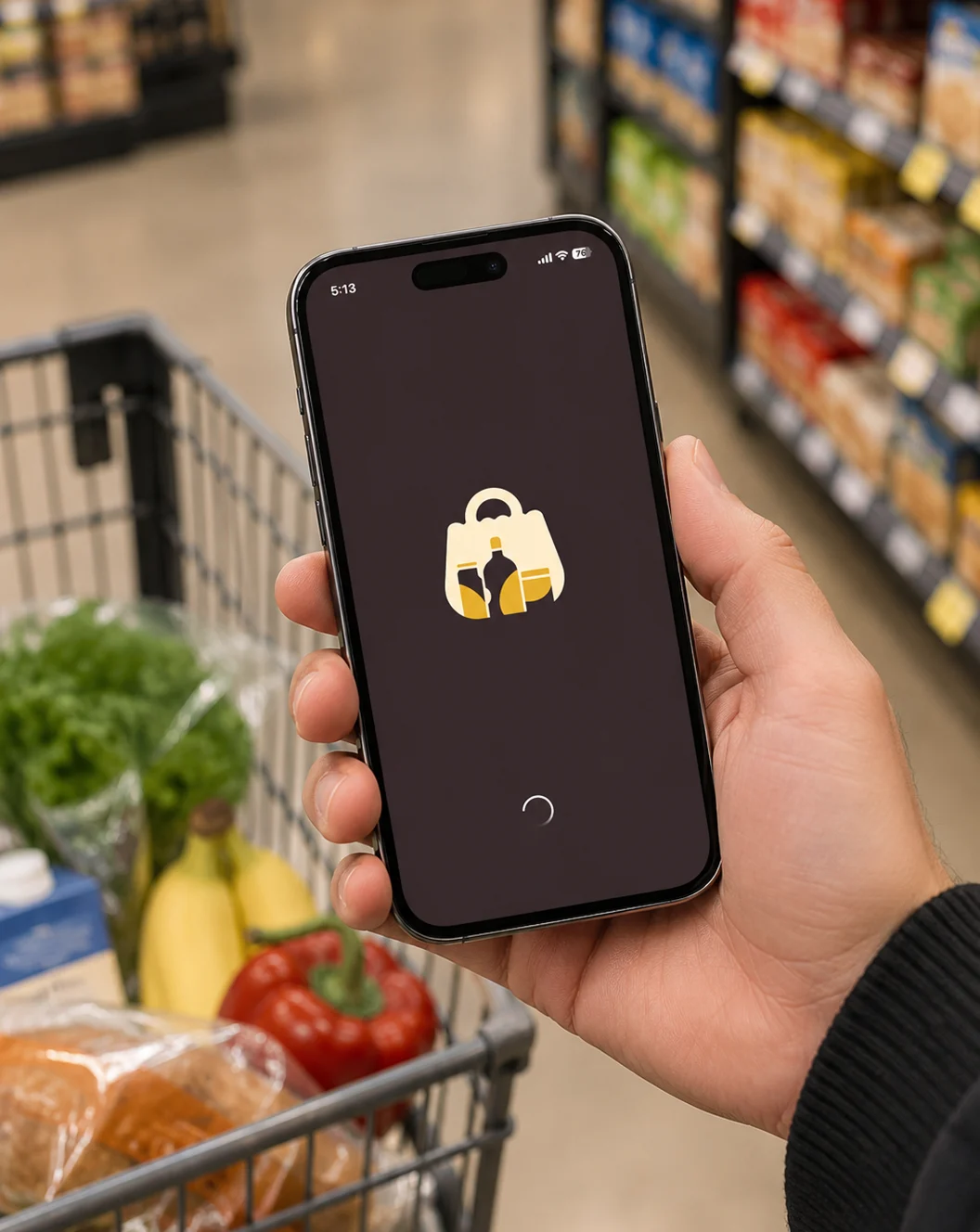
- Household and planning apps such as GrocEase, with monthly grocery lists, smart categorisation, pantry tracking and expiry reminders that help reduce food waste.
- Service and operations apps — scheduling, records, status updates and customer communication, the kind of workflows at the heart of Integrity 1st Automotive, which connects car owners with repair shops.
- Field-workforce apps with offline data capture, barcode scanning and photo uploads.
- Consumer apps for social, dating, fitness and lifestyle, including dating app development.
- Hardware companion apps using Bluetooth and NFC to control or read from connected devices.
- AI-enabled apps with on-device models and server-side assistants — see AI app development.
Our Android development process
- Discovery — target markets, device mix, key features and integrations.
- Design — Material-based flows and interfaces, validated with clickable prototypes.
- Architecture — modular Kotlin codebase, data layer, backend and API design.
- Sprints — internal test builds via Google Play every one to two weeks, demoed weekly.
- Device testing — automated unit and Compose UI tests plus manual checks across a representative device matrix.
- Google Play launch — store listing, data safety form, content rating, closed testing tracks and staged roll-out.
- Monitor and iterate — Android vitals, crash reports and analytics guide each release.
Publishing on Google Play
Google Play has its own rules and review processes, and they change regularly. We handle target API level requirements, the data safety section, permissions declarations, billing policies for digital goods and the testing requirements for new developer accounts. Staged roll-outs let us release to a small percentage of users first and halt quickly if Android vitals show a problem.
Why Kreatorz for Android app development
- Native expertise, honest advice. We also build for iOS and cross-platform, so we recommend native Android only when it genuinely serves your product.
- Full product team. Design, Kotlin, backend, QA and DevOps working as one, from discovery to growth.
- AI-native engineering. Recognised with the Global AI Impact Award (Global Image Awards Middle East, Riyadh 2026).
- Openness throughout. Weekly demos, a shared backlog and direct contact with the engineers.
- Your accounts, your code. Google Play Console, repositories and designs are yours from day one.
- Worldwide. Offices in the United States, Canada and Pakistan. See the wider picture on our mobile app development page, or get in touch.